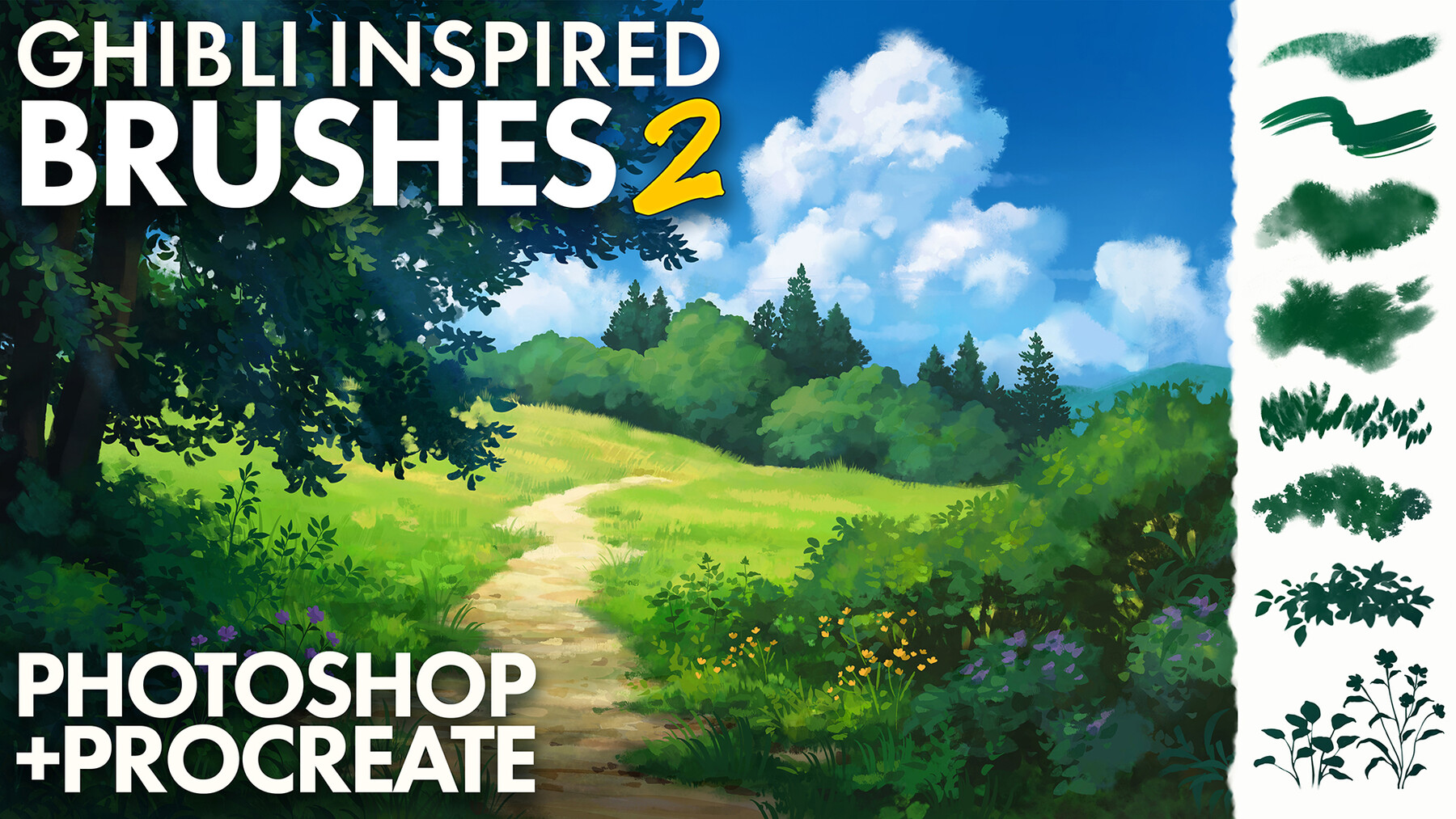
Ghibli-Inspired Brushes 2 for Photoshop and Procreate
Summary:
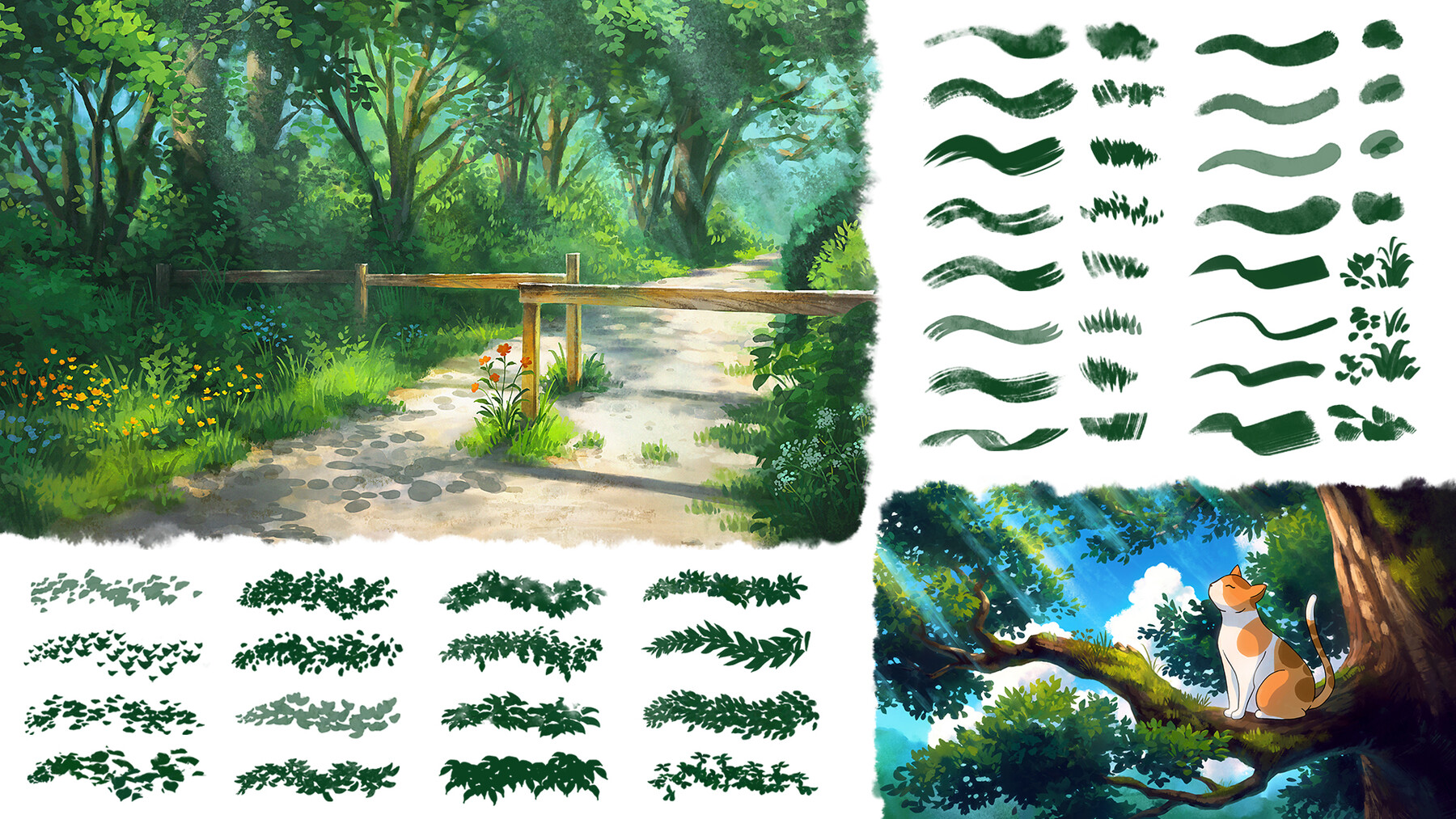
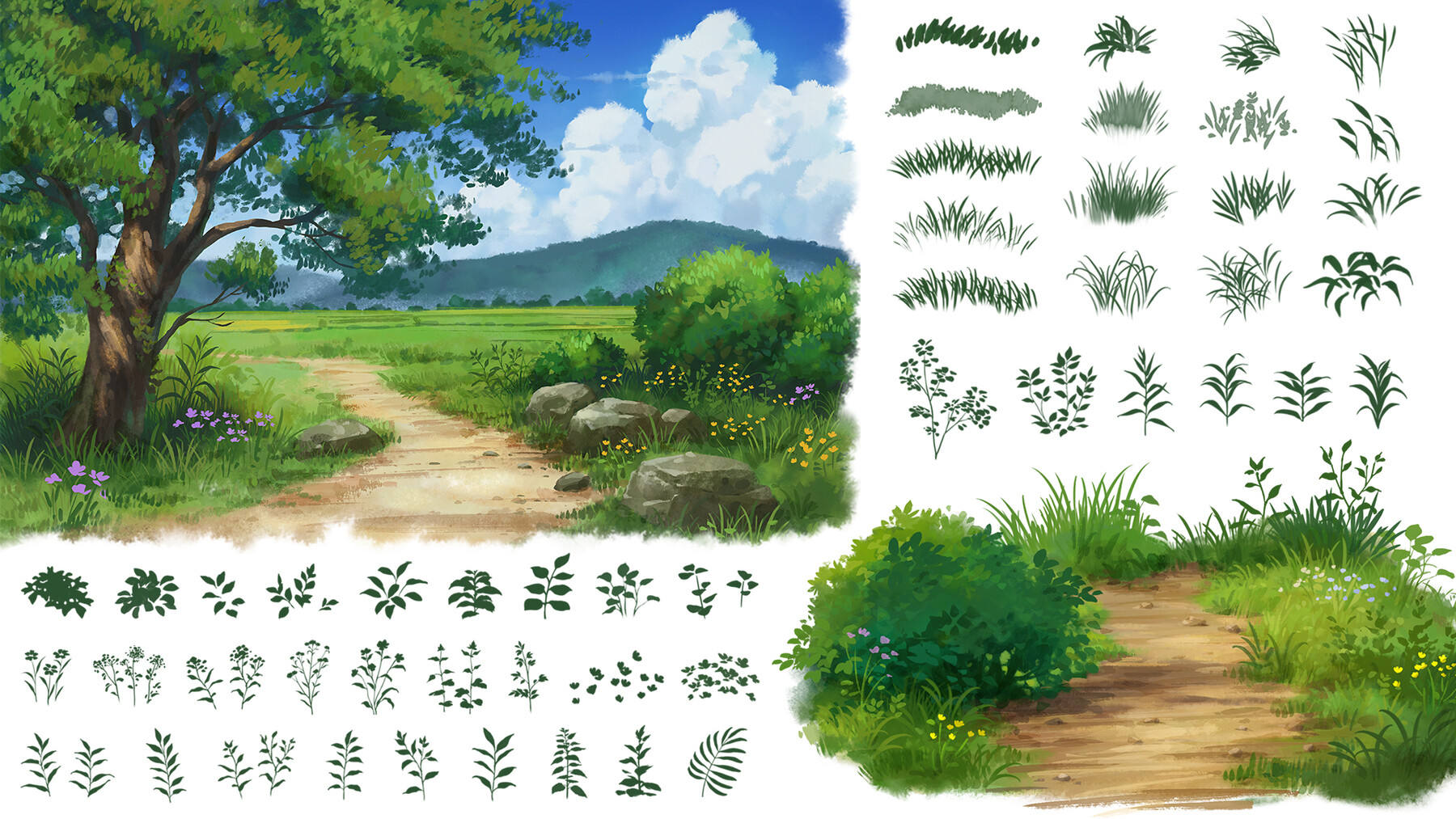
- 145 Custom made brushes optimized for both Photoshop (.abr) and Procreate (.brushset)
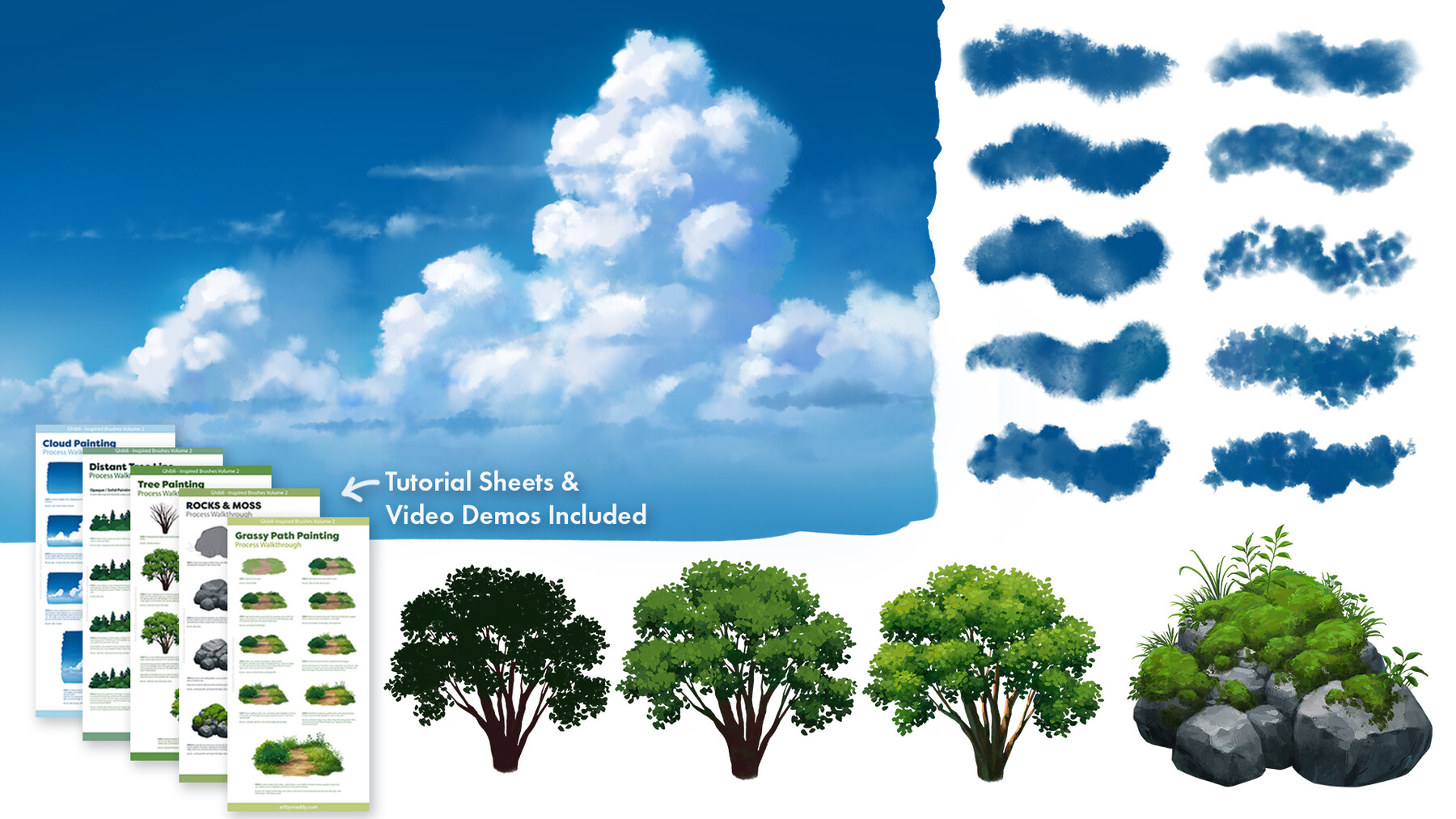
- Tutorial Sheets teaching you how to get the most of out the Ghibli Inspired Brushes 2
- Voice-over Video Tutorial (in Photoshop) of 1h50m going in-depth on the Ghibli Inspired Brushes 2
- 2 Timelapse videos showing how I use the brushes
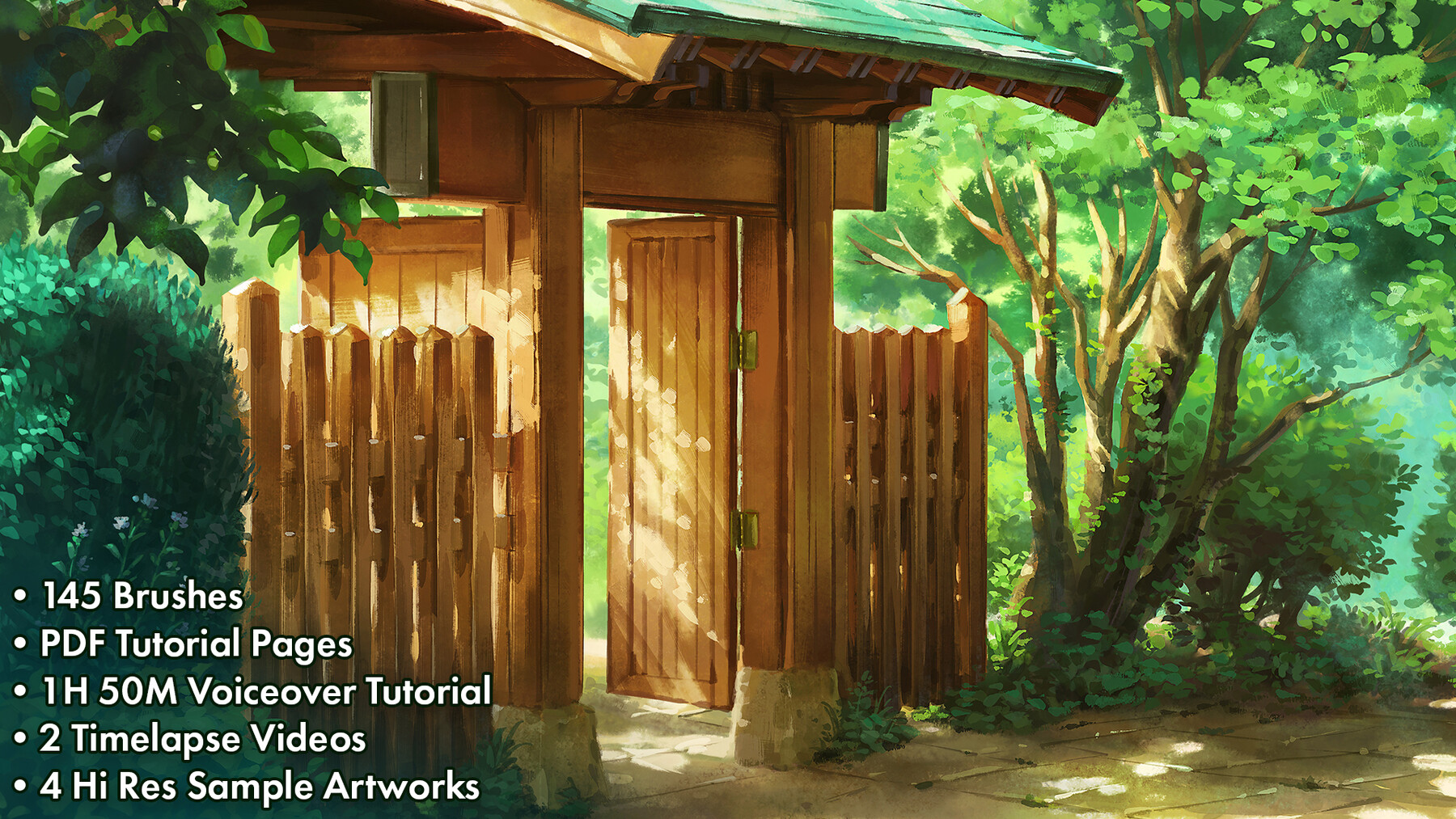
- 4 Hi-Res (4k+) artworks made with only the Ghibli Inspired Brushes 2
Ghibli-Inspired Brushes 2
This is the sequel to the set that sparked my love for brush-making. Since then, I’ve created hundreds of brushes and explored many different methods of brush-making including scanning my own textures and brushstrokes.
I’ve put everything I’ve learned over the past years into creating this new set, with the goal of giving artists the most realistic and natural textures for this type of painting style digitally. I love how these brushes turned out and hope you’ll enjoy them as much as I do!
The Brushes
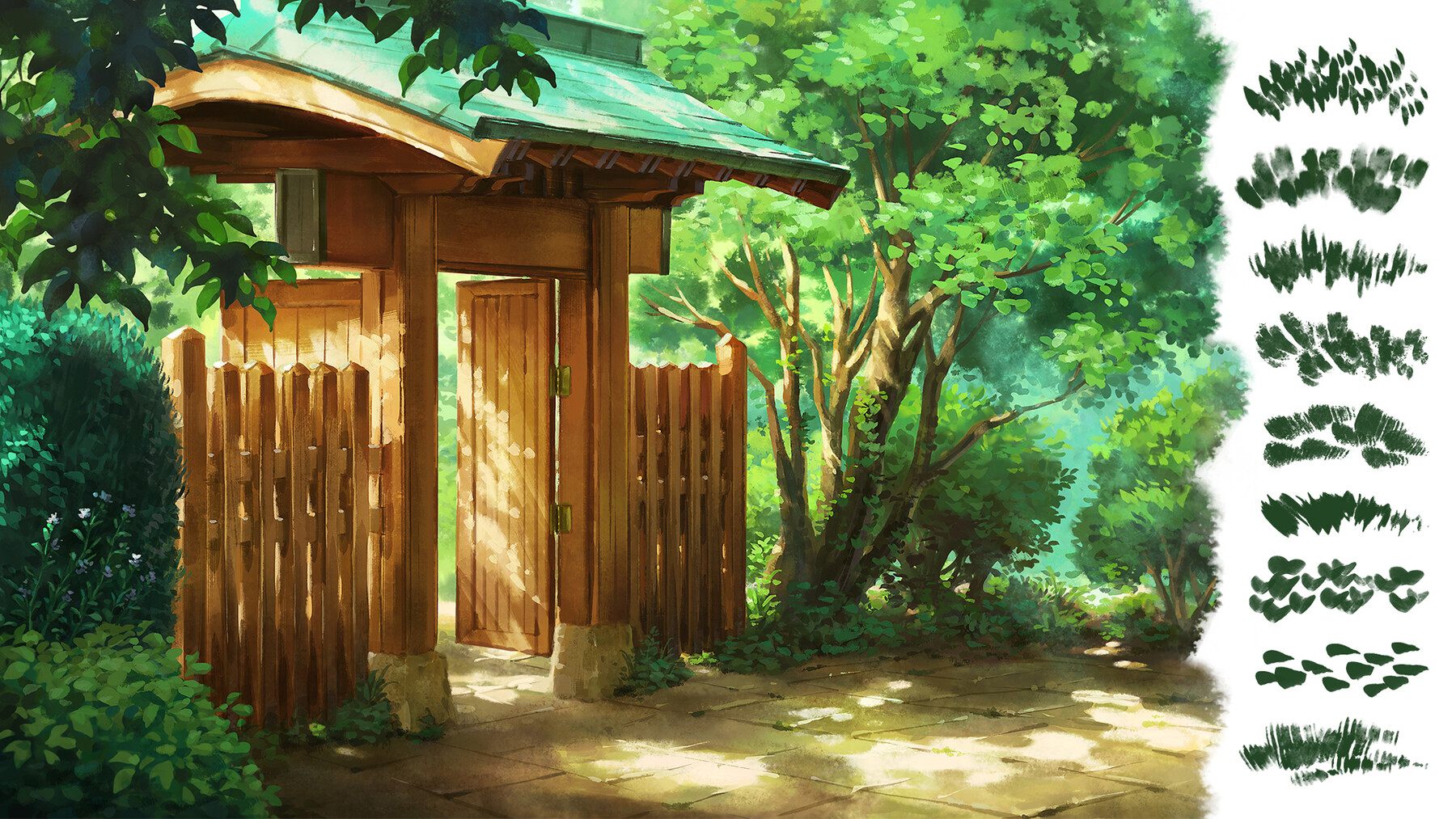
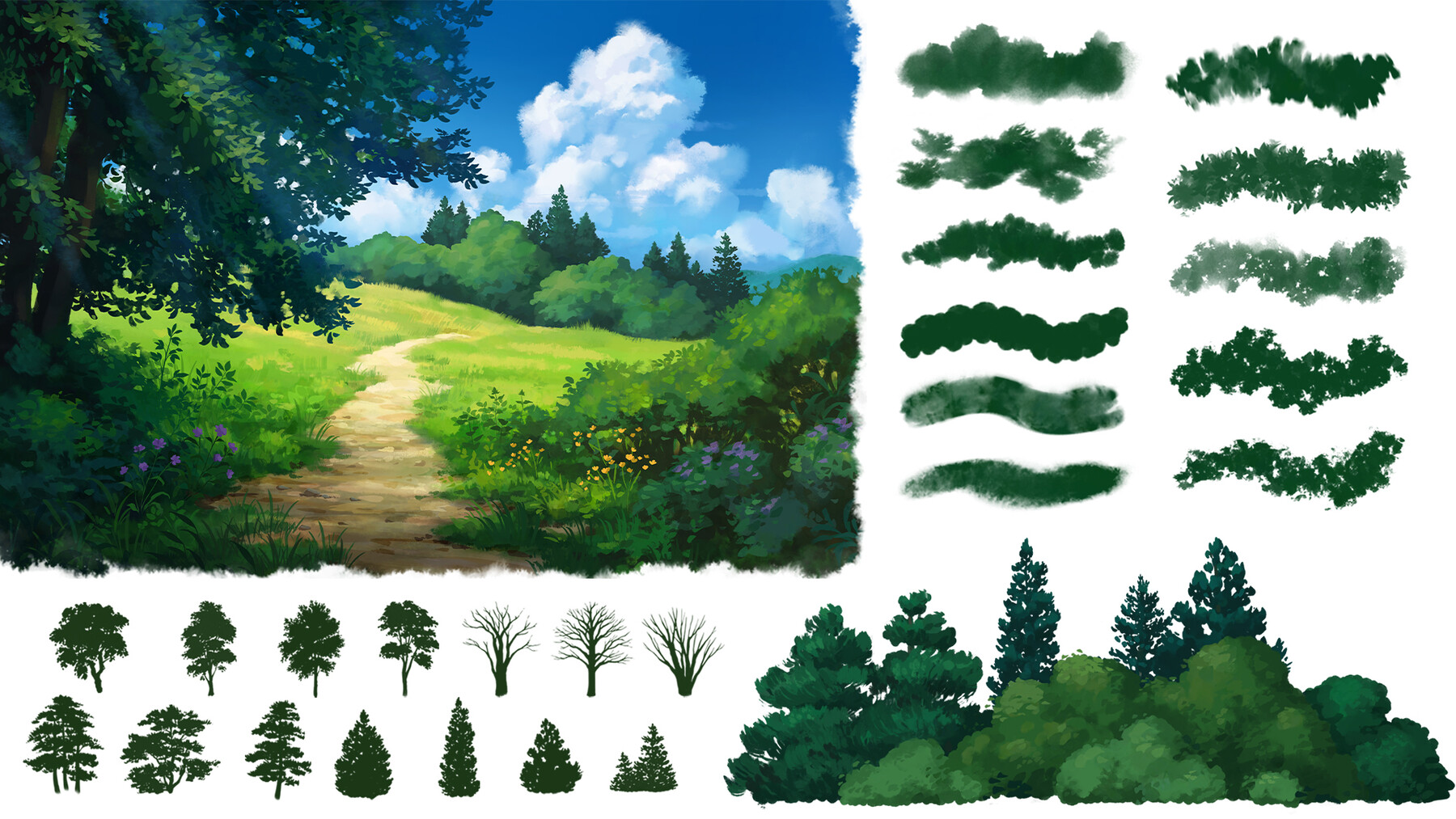
Using the Ghibli Inspired Brushes 2 you can make a full illustration in this beautiful traditional style. From sketching and blocking in the background with a wet-in-wet look, to adding rocks, trees, paths, clouds, and anything else you can imagine in a hand-painted style.
These brushes have been optimized for Photoshop and Procreate individually, to ensure they work great on both platforms. So no matter if you’re on an iPad or using a drawing tablet with Photoshop the experience will be great.
Voice-over video tutorial
This 1H 50Min brush demo video was created to help you get the most out of these brushes. In this video, you’ll get an introduction to the brushes and different sections of the set, followed by a full painting tutorial from start to finish. Through the process, I’ll explain my workflow, showcase special techniques, and share which brushes I like best for painting certain subjects.
Timelapse videos
These videos show the full process of how I create highly detailed digital paintings using only the Ghibli Inspired Brushes 2. Watching these videos after the voiceover tutorial will give further insight into how I use these brushes to create detailed illustrations.
PDF Tutorial pages
In this pdf guide, I share my step-by step process for painting subjects such as clouds, rocks, grassy paths and trees from start to finish. The guides contain explanations for each step and information on which brushes were used throughout the process.
Hi-Res Artworks
Check out these hi-res sample artworks to spark your inspiration for how you can use these brushes!
Brushes may be used for personal and commercial use.
*Note: These brushes were individually optimized to work great in Procreate and to match the Photoshop version as closely as possible. However, due to differences in the program's brush engine, some of the brushes may be slightly different.
Release Notes
Made a couple of small corrections to PDF painting guide. Please download the updated version if you intend to follow along! :)